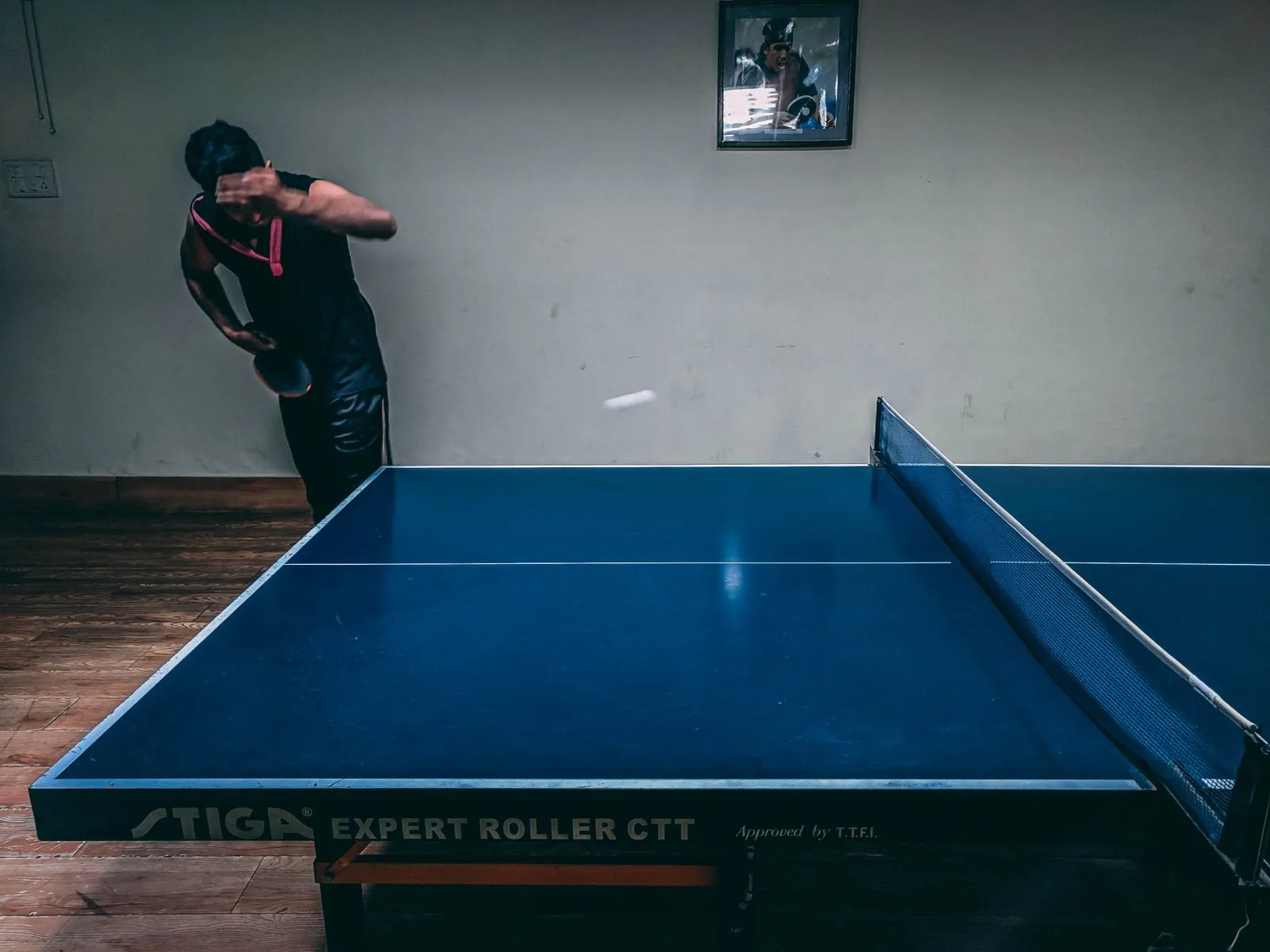
This guide covers scoring a match live, point by point, in PingPong Arena — on your own device, on a scorer link handed to a referee, and with a Bluetooth clicker. Everything below is what exists today; nothing here requires guesswork.
Two ways to score live
On your own signed-in device (Free plan): if you're signed in on your own device, the one you're organizing the tournament from, you can score matches live, point by point, using the keyboard or a Bluetooth clicker. This works on the Free plan, for events with up to 16 players. No purchase is needed for this.
Scorer link — hand scoring to someone else at the table (Club plan or event pass): a scorer link is an account-less link for one specific table. You generate it and share it, for example by showing a QR code or sending the link, with whoever is refereeing that table — they don't need a PingPongArena account or to sign in. Generating scorer links requires the Club plan (subscription) or the €12 single-event pass (a one-time purchase that unlocks Club-level features for that one event only). Only one scorer link is active per table at a time: if you generate a new scorer link for a table that already has one, the new link replaces the old one, and the old link stops working.
- Open the match or table you want a referee to score, and generate a scorer link for that table — the generation screen shows exactly which table the link applies to.
- Share the link, by QR code or copy/paste, with the person scoring at that table.
- The referee opens the link on their device — no sign-in required — and sees the scorer panel for that match.
The Bluetooth clicker
PingPongArena does not sell or make a dedicated scoring clicker. What people use is an ordinary wireless presenter remote — the kind used for PowerPoint presentations (roughly the class of a Logitech R400, about €10-15), bought separately from any electronics retailer. It works because these remotes pair with a device as a Bluetooth keyboard: when you press a button on the remote, the device receives it as if you'd pressed a key on a keyboard.
This means the clicker works anywhere keyboard scoring works, including on the Free plan, scoring your own event on your own device. Only the shareable scorer/viewer links require Club or the event pass; the clicker itself has no plan requirement.
Buy a standard wireless presenter remote, sometimes called a clicker for slideshows. Avoid remotes marketed as "Bluetooth camera shutter" buttons — those send Volume or Enter key signals instead of the Page Up/Page Down keys presenter remotes use, and they are unreliable for scoring in PingPongArena.
| Key | Action |
|---|---|
| Page Up | Point to the LEFT player |
| Page Down | Point to the RIGHT player |
| Left arrow or "1" | Point to the LEFT player (keyboard alternative) |
| Right arrow or "2" | Point to the RIGHT player (keyboard alternative) |
| Z | Undo the LEFT player's last point |
| X | Undo the RIGHT player's last point |
When the keys are deliberately inactive
To prevent accidental scoring, these keys do nothing in three situations.
- Between matches — before a match has started or after it has finished, key presses are ignored.
- While typing in a text field — if you're typing anywhere in the app (a name, a score box, etc.), key presses go to that field instead of scoring.
- In view mode — the read-only overview screen (?view=true) ignores these keys entirely, so a stray click on a clicker sitting near a TV display can't corrupt a live score.
The scorer panel
Whoever is scoring a live match — on their own device or via a scorer link — sees a scorer panel with three things worth knowing about.
- Serving cue — the panel shows a "Serving next" indicator so the scorer always knows which player is due to serve, without having to track it themselves.
- Reconnect lockout — if the scorer's connection drops and is reconnecting (or is paused), scoring and undo are both disabled until the connection is back. This is deliberate: it stops a flaky connection from producing a wrong point while the app isn't sure the action will actually reach the server.
- Undo — a single-point Undo control lets the scorer take back the most recent point if they tap or click the wrong side.
Recap
| Method | Device | Plan needed |
|---|---|---|
| Keyboard or clicker, own device | Your own signed-in device | Free (up to 16 players) |
| Scorer link, handed to a referee | Referee's own device, no sign-in | Club plan or €12 event pass |
Common questions
Do I need a paid plan to score live, point by point?
Not if you're scoring on your own signed-in device with a keyboard or Bluetooth clicker — that works on Free, for events up to 16 players. Scorer links handed to a referee's own device require Club or the €12 event pass.
What kind of Bluetooth clicker works with PingPong Arena?
An ordinary wireless presenter remote (the PowerPoint-slide kind, roughly a Logitech R400, about €10-15) that pairs as a Bluetooth keyboard. Avoid "Bluetooth camera shutter" remotes — they send the wrong keys and are unreliable.
Can two people score different tables live at the same time?
Yes. Each table gets its own scorer link, and only one link is active per table at a time — generating a new one for a table replaces the old link.
Why did my clicker stop scoring mid-event?
Key presses are deliberately ignored between matches, while typing in a text field, and on the read-only view-mode screen — this prevents accidental scoring, not a fault with the clicker.